OneTap - Copy & Paste Clipboard App

OneTap - Copy & Paste Clipboard App

One-click synchronization sharing tool, efficiently manage diverse content

Creator
Platforms
Web
Bio LinkAI Social Media AssistantAI Instagram AssistantAI Twitter AssistantAI Tiktok AssistantAI Presentation GeneratorAI Hashtag AssistantAI Productivity ToolsAI Files AssistantAIProductivityCustom KeyboardsTech news

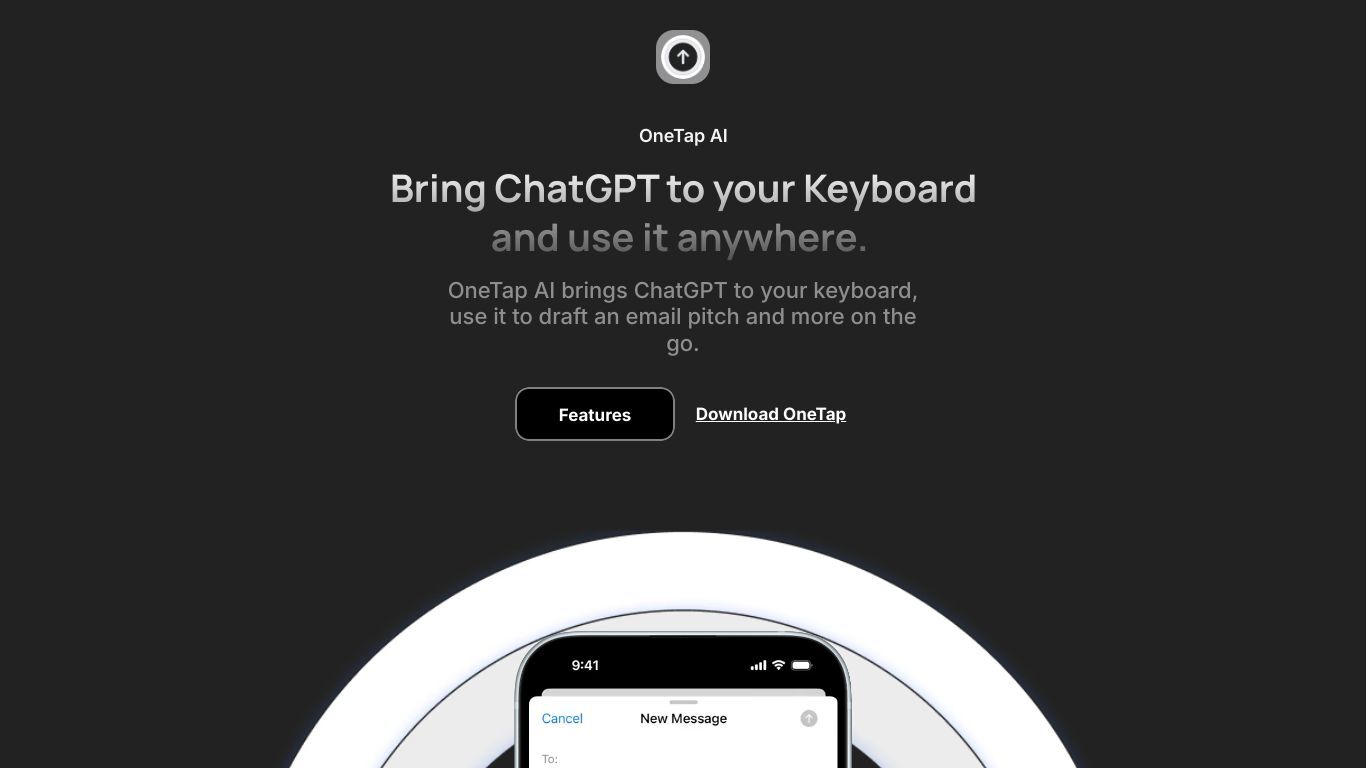
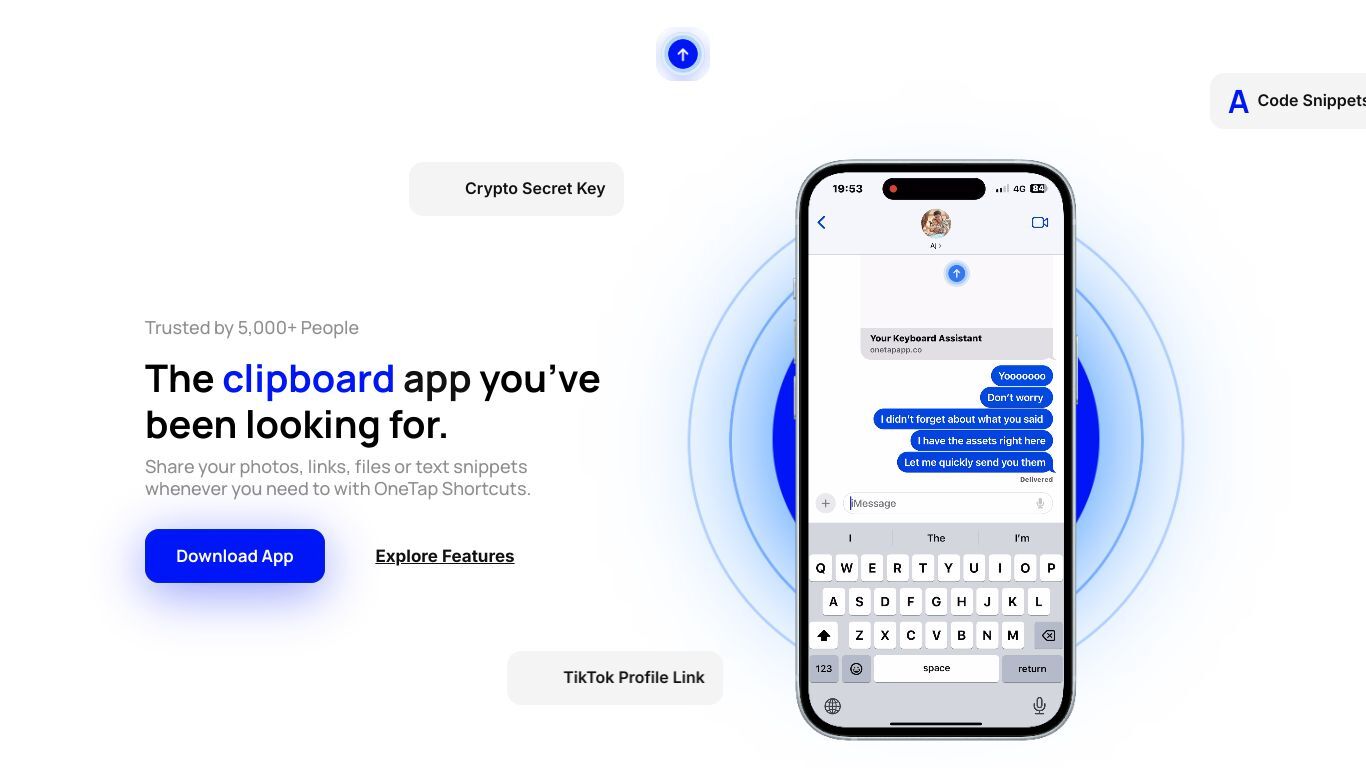
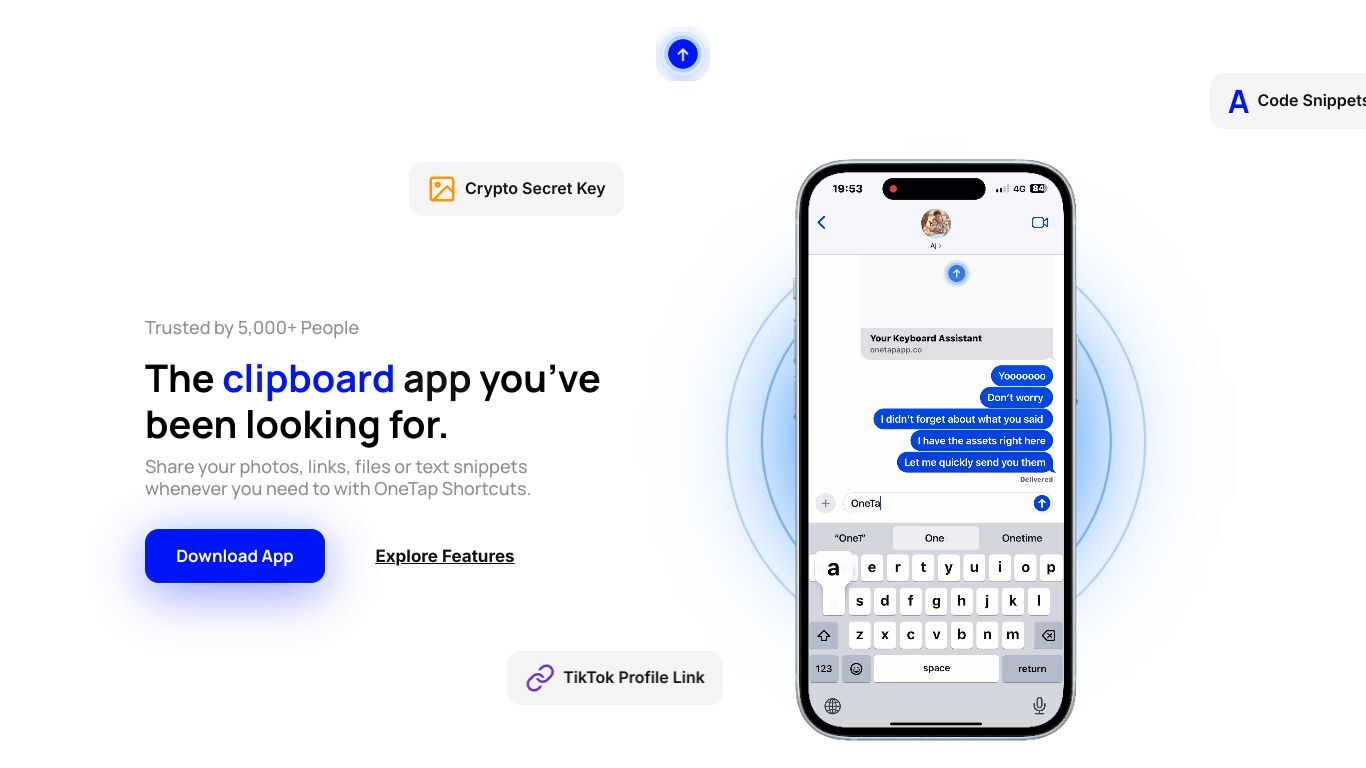
OneTap is a content sharing tool designed specifically for Apple devices. With a single tap, it allows you to easily save and share photos, texts, links, and files. Its cross-device synced keyboard shortcuts, combined with Siri shortcuts, can automate workflows. It supports both dark and light modes, and all data is stored in iCloud to ensure privacy and security. Users can organize content in a unified location and quickly share diverse content via the OneTap keyboard. Additionally, OneTap AI integrates ChatGPT into the keyboard to provide real-time AI support and customized responses. It is applicable to various keyboard-supported apps and offers different pricing plans, including limited access and lifetime use.
COMMUNITY PERKSMergeek community perks
Exclusive giveaways NEWDiscover a new surprise every day
PRODUCT SCREENS / 6

Click to explore the interface

OneTap - Copy & Paste Clipboard App screenshot 1OneTap - Copy & Paste Clipboard App screenshot 2OneTap - Copy & Paste Clipboard App screenshot 3OneTap - Copy & Paste Clipboard App screenshot 4OneTap - Copy & Paste Clipboard App screenshot 5OneTap - Copy & Paste Clipboard App screenshot 6

OneTap changes the way you share content on your Apple Devices. With OneTap you can save anything to copy and paste later in just one tap. OneTap Shortcuts act different on each Apple Device, but t...

Features

  • Share photos, text phrases, links file from keyboard.
  • Keyboard shortcuts synced across all Apple Devices and usable on any Apple device.
  • Automate workflow by integrating with Siri Shortcuts.
  • Dark mode and light mode supported.
  • Store content in one place (Keyboard) including links, files, photos, text phrases.
  • Share various things like portfolio, calendly, pitch deck etc.
  • Access ChatGPT right from keyboard.
  • Use in any app where keyboard is available.
  • Select GPT 3.5 or 4 for OneTap AI responses.
  • Get live responses typed out in real time.
  • Customize OneTap AI with custom instructions.
  • Personalize responses like email sign-offs.
  • Use in any app where keyboard is available. (Only for Pro users)

Help others with your real experience and earn gems

REWARD MARKETWhat can 100 gems get you?

No public reviews yet. Share your experience.

提交反馈

每一个想法,都让 Mergeek 更好一点。